Plot Booking Software: Stop Double Booking and Track Every Payment
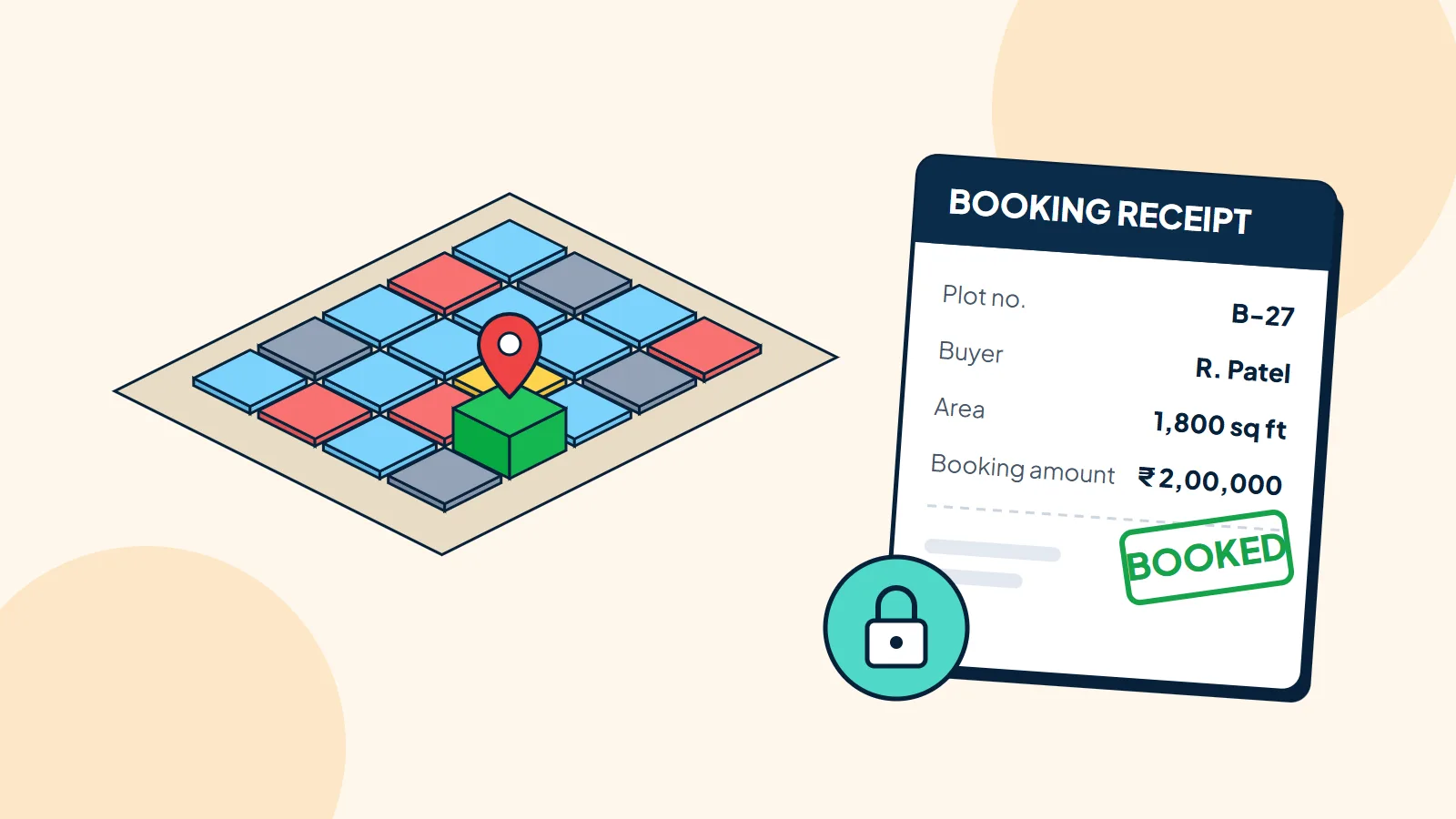
Every plotted project hits the same problem sooner or later: two salespeople promise the same plot, a cheque is collected but never entered, or nobody can say who still owes money. Plot booking software fixes this by making the booking the one place where the plot, the buyer, the price and the payments are tied together. This guide explains what it does, the booking process it should follow, the features worth paying for and how to switch from Excel without losing data.
What is plot booking software?
Plot booking software is a system for recording the sale of plots in a layout. At minimum it keeps a list of plots with their status, lets you book a plot for a buyer, and records the payments against that booking. Good plot booking software goes further: it blocks double bookings, generates receipts and demand letters, reminds buyers before instalments fall due and shows the live status of every plot to your whole team.
It is different from a general accounting tool or a generic CRM. Those know about invoices or contacts, but not about plot 42 in phase 2, its corner premium or the fact that it is on hold for a buyer until Saturday.
The plot booking process it should follow
- Enquiry. The buyer asks about a plot. The enquiry is saved as a lead with its source and the plot asked about.
- Hold. The salesperson puts the plot on hold for a short, fixed time while the buyer decides. Nobody else can book it during the hold.
- Booking. The buyer pays the booking amount. The booking records the buyer, the plot, the agreed price, extra charges (corner, garden-facing, development) and the payment plan.
- Receipt. A numbered receipt goes to the buyer the same day, ideally on WhatsApp.
- Instalments. Each due date gets a reminder before, on and after the date, with a demand letter.
- Agreement and registry. Document dates and status are tracked on the booking.
- Cancellation, if it happens. The plot is released and the refund is recorded, so the history stays complete.
Features to check before you choose
- No double booking. A plot that is booked or sold must not be bookable again. This is the single most important rule.
- Five clear statuses: available, on hold, reserved, booked and sold, shown in colour on the layout.
- Holds that expire, so forgotten holds do not block plots for weeks.
- Flexible payment plans: down payment plus monthly instalments, construction-linked or custom dates.
- Receipts and demand letters with amounts written in Indian words (lakh, crore), generated in one click.
- A ledger per buyer that updates with every receipt and shows what is overdue.
- Roles and permissions, so a salesperson cannot change prices or delete a payment.
- Brokers and commissions linked to the booking they brought.
- A buyer-facing view of availability, such as a live map, so buyers see what your office sees.
Excel vs plot booking software
Most developers start with a spreadsheet, and it works for the first twenty bookings. The trouble starts when several people edit copies of the same file. Excel cannot stop two people booking one plot, cannot send a reminder, and does not keep a trail of who changed a price. If you want the full comparison, read why instalments outgrow spreadsheets.
How to switch from Excel in one day
- Clean the plot list: plot number, area, rate and status for every plot, matching the approved layout.
- List the bookings: buyer name, mobile, plot, agreed price and booking date.
- List the payments received with date, amount and mode for each booking.
- Enter the future instalment dates so reminders start working straight away.
- Check the totals against your accounts before you stop using the old file.
What does plot booking software cost?
Prices vary from free spreadsheet templates to monthly subscriptions and one-time licences. Compare on what it saves: one prevented double booking or one recovered overdue instalment usually pays for a year. Ask whether setup, your layout map, WhatsApp messages and extra users are included.
Plot booking in zeplot
zeplot's plot management software ties each booking to the plot, the buyer, the price and the payment plan. A plot that is already booked or sold cannot be booked a second time, the plot turns sold on the layout and in the buyer's 3D plot map the moment it is booked, and receipts, demand letters and payment reminders go out on WhatsApp by themselves.
Frequently asked questions
What is the best plot booking software in India?
The one built for plotted projects: it should stop double bookings, handle instalments, send WhatsApp reminders and show live plot status on your layout. A generic CRM needs a lot of customisation to do the same.
Can buyers book plots online?
Buyers can see availability and send an enquiry online, but most developers still confirm the booking after a call or site visit, because the booking amount and agreement need checking.
Do I need an app on every phone?
Not necessarily. Web-based plot booking software opens in a browser on any phone or computer, and buyers can view the layout from a link.
Want to see your own layout like this?
Get StartedMore from the blog
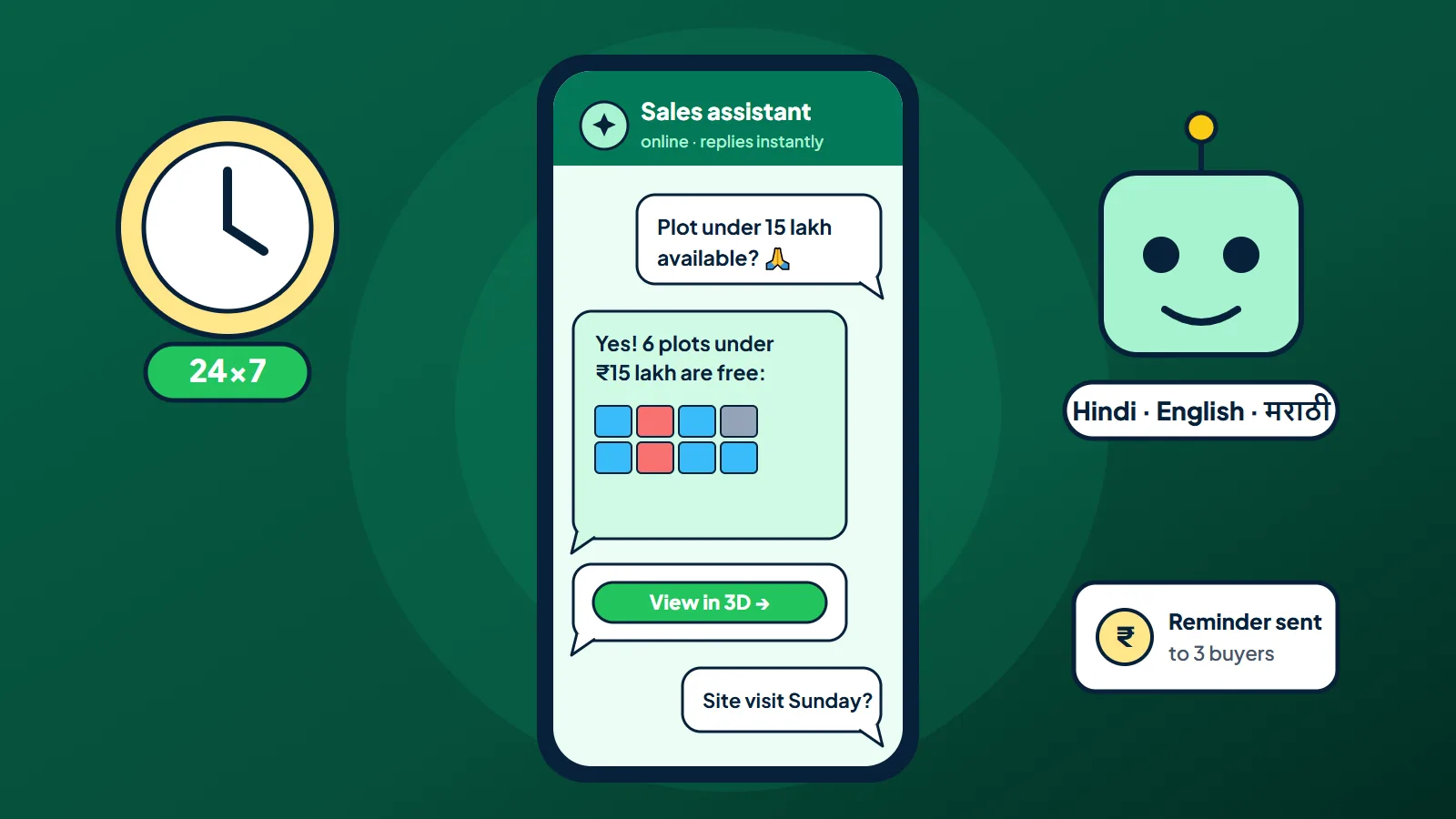
WhatsApp AI Agent for Real Estate: Answer Every Buyer, 24×7
What a WhatsApp AI agent does for real estate and plot developers, what it should and should not do, and how to set one up.
Read more →
Interactive Site Plan vs Virtual Tour: Which Sells Plots Better?
Interactive site plans and 360 virtual tours compared for real estate: what each shows, when to use which, and costs.
Read more →
Plot Layout Design Software: Free and Paid Options Compared
Plot layout and site layout software compared: CAD, free and online tools, 3D, and what to use for each job.
Read more →