Plotting Project Brochure: What to Include, Plus Project Name Ideas
A plotting project brochure is often the first thing a buyer holds, or opens on their phone as a PDF. A good one answers the buyer's first questions in a minute: where is it, what is it, how big are the plots, is it approved, and what does it cost. This guide walks through what to include page by page, design tips for phone screens, and name ideas for your project.
What to include in a plotting project brochure
1. Cover
Project name and logo, a strong image of the site or entrance, one line on the location ("10 minutes from the highway, Nashik road"), and the RERA registration number where required.
2. Location
A clear location map with the approach road and nearby landmarks, plus distances and drive times to the city centre, highway, railway station, schools, hospitals and workplaces.
3. Layout plan
The approved layout with plot numbers, road widths, parks and amenity sites, and the north direction. Add a QR code that opens the live layout, so buyers can zoom in and see which plots are still available.
4. Plot sizes
A table of plot types with dimensions and area in the units your buyers use (sq ft, gaj, sq m). Our plot area calculator helps with conversions.
5. Amenities and development
Roads, drainage, water, electricity, street lights, compound wall, gate, park, plantation, and any club house or community hall, with images or renders.
6. Approvals and legal
Land conversion, layout approval and RERA details, title clearance, and bank loan availability if banks have approved the project.
7. Price and payment plan
Either the price list or a "starting from" figure that real plots actually have, the booking amount and the instalment plan. Many developers keep prices on a separate sheet so the brochure does not go out of date.
8. About the developer and contact
Past projects, the site office address, phone and WhatsApp numbers, and the QR code again.
Design tips for a brochure people actually read
- Design for the phone first. Most brochures are opened as a PDF on WhatsApp. Use large text, one idea per page, and keep the file small enough to send easily.
- Use real photos of the site and development where you can, and label renders as artist's impressions.
- Keep plot numbers identical to the approved layout and price list.
- Do not let it go out of date. Never print availability in the brochure; link to a live layout instead.
Plotting project name ideas
A good name is easy to say in your buyers' language, easy to spell on WhatsApp, and available as a website address and social media handle. Some patterns that work:
- Nature: Green Valley, Palm Meadows, Lotus Gardens, Banyan Grove, Silver Oak Enclave.
- Prosperity and home: Shubh Nagari, Sukh Shanti Nagar, Lakshmi Enclave, Anand Vihar, Samruddhi Park.
- Place-based: the area name plus a word such as City, Enclave, Greens, Residency or Township.
- Aspirational: Royal Orchid Estate, Golden Fields, Prestige Meadows, Signature Greens.
- Short and modern: one or two syllables that read well on a hoarding from a moving car.
Before you choose, search the name in your city to make sure another project is not already using it, and check that the domain and social handles are free.
Brochure or live layout? Use both
A brochure introduces the project; it cannot show today's availability or answer questions. Pair it with a live 3D plot map on a QR code in the brochure, so buyers who are interested can explore the layout and enquire about a specific plot. See also sharing your layout on WhatsApp.
Frequently asked questions
How many pages should a plotting project brochure have?
Usually 6 to 12 pages is enough. Fewer, clearer pages are read more often than long brochures.
Should I put prices in the brochure?
Many developers keep prices on a separate price list, because prices and availability change while the brochure is printed once.
What size should the brochure PDF be?
Small enough to send on WhatsApp quickly: compress the images and keep it to a few megabytes.
Want to see your own layout like this?
Get StartedMore from the blog
Real Estate Viral Marketing: 15 Reel and WhatsApp Ideas for Plotted Projects
Reel ideas, WhatsApp tactics and local events that get plot projects shared, with a checklist and the mistakes to avoid.
Read more →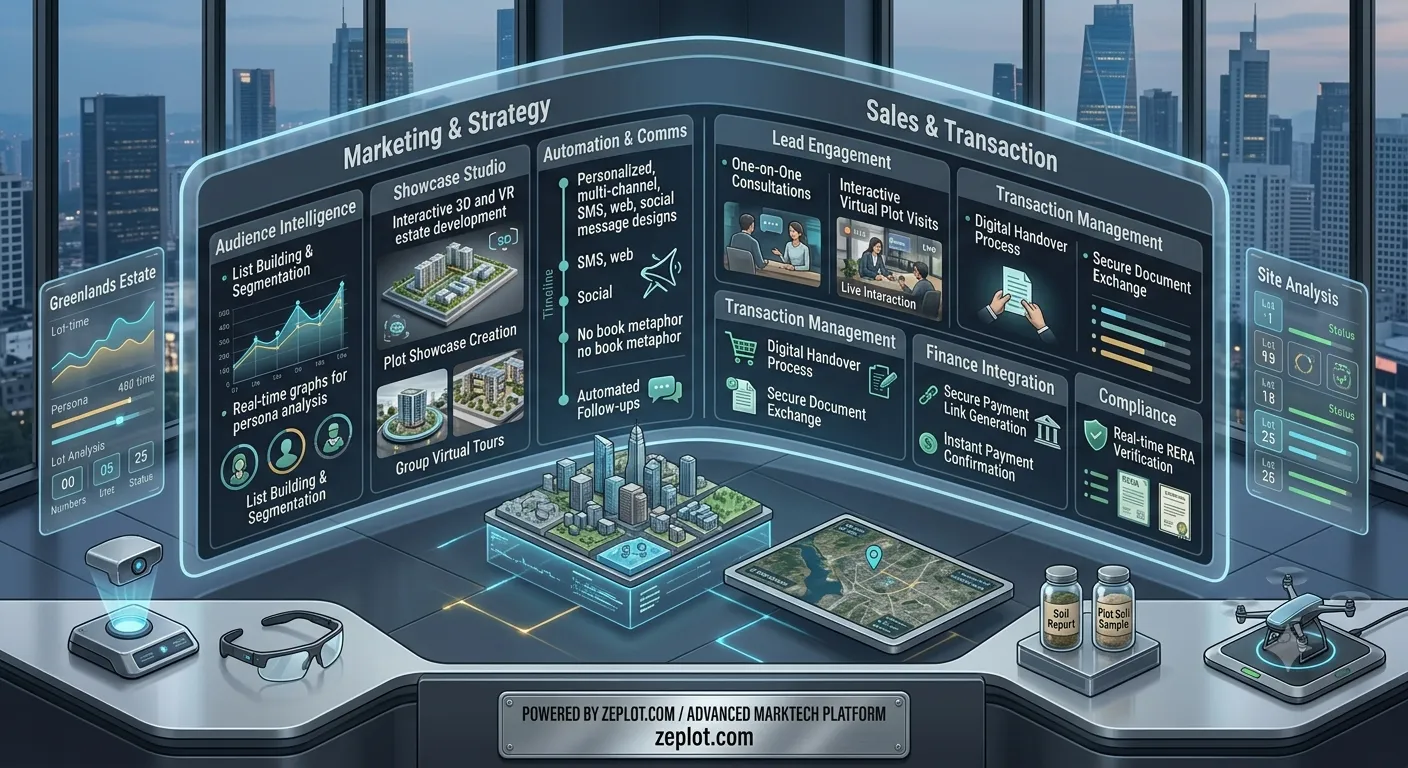
Real Estate Lead Generation for Plot Projects: What Works
Lead generation ideas for plotted projects, and how to track which channel actually brings bookings, so marketing money goes where plots are sold.
Read more →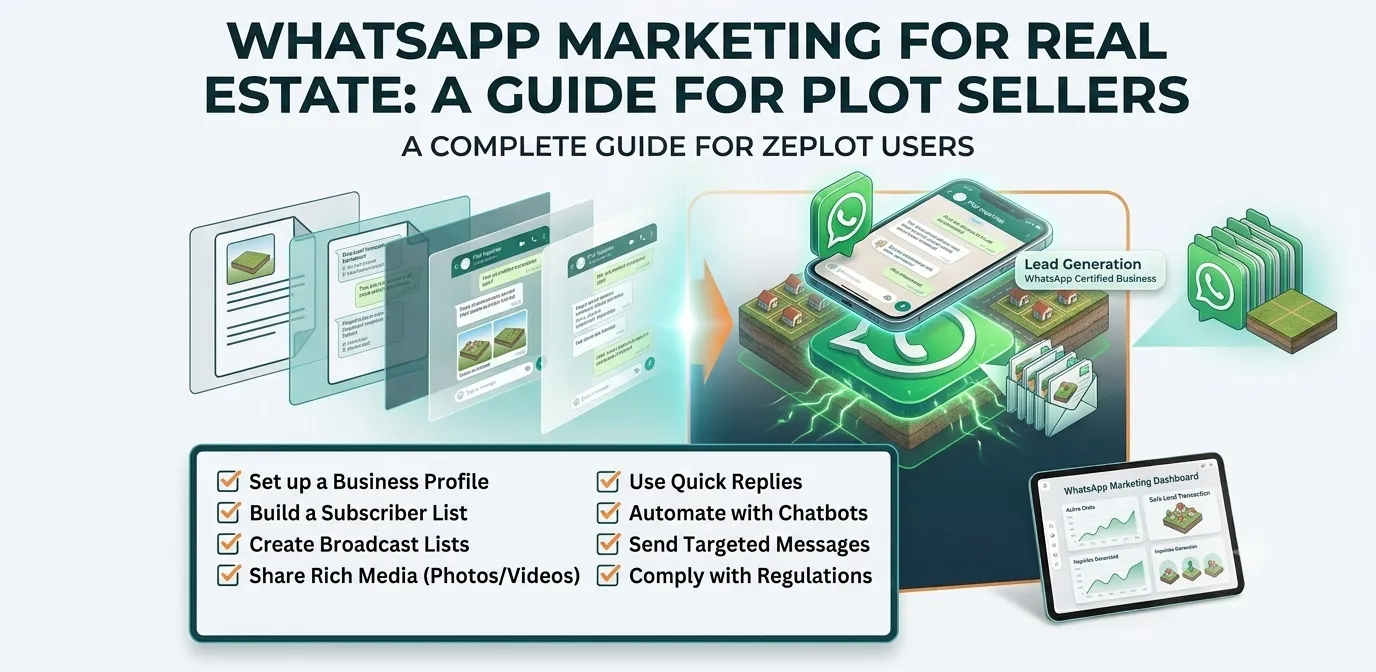
WhatsApp Marketing for Real Estate: A Guide for Plot Sellers
How to use WhatsApp to market plots: sharing the layout, first messages that get replies, broadcast lists, status updates and tracking which messages bring buyers.
Read more →